
I am very happy pleased with the result.
Got a GPS with AV in from ebay
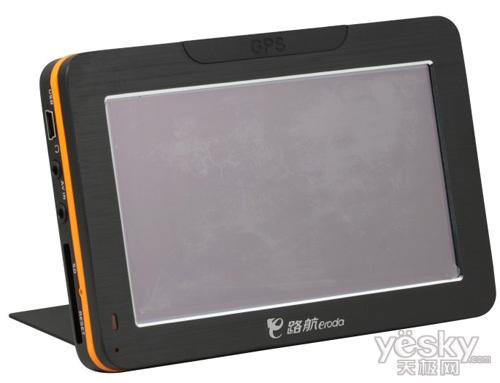
and a wireless rear view camera, it comes with a camera, a transmitter and a receiver.

GPS stuck on the cubby lid with 3M Velcro tape.
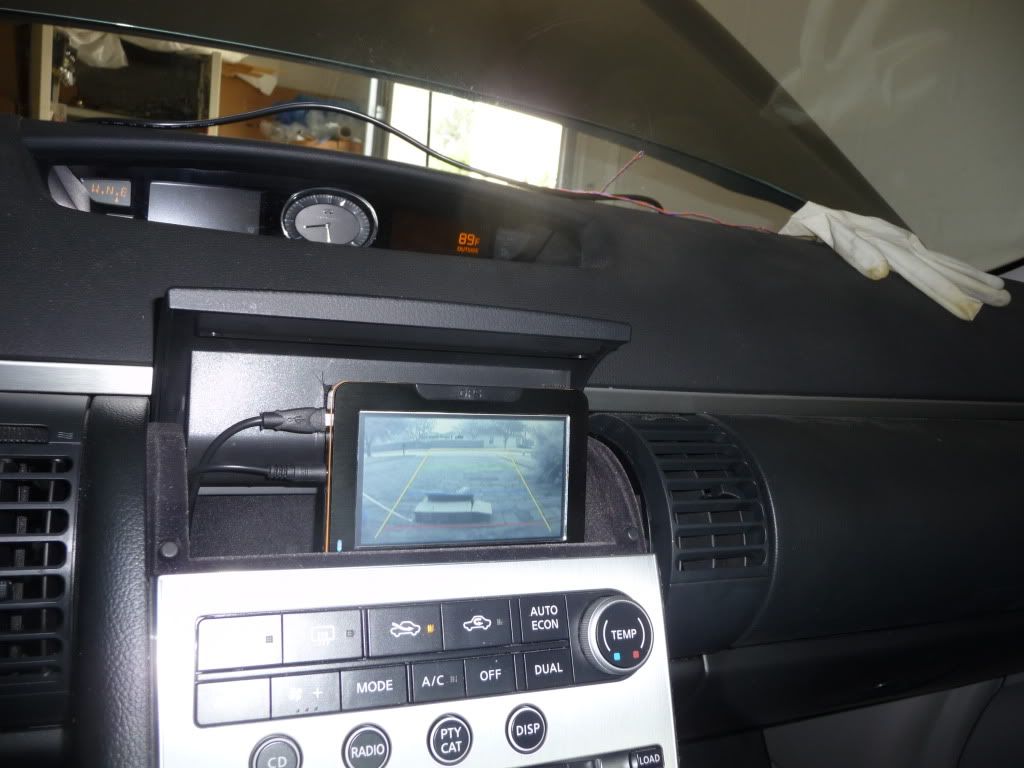
cubby lid closed, it's becomes invisible, so that it doesn't attract theft.

Here's how I did it.
1) lifted the shifter panel, the hardest part.
First, inserted some pieces of hard transparent plastic such as on toy packing box, around and underneath the panel, note: inserted two pieces in one spot then wedge some small pieces of thick hard paper (again it can be from the packing box) in between plastic, do this along the panel, insert more paper until the panel lifts.

with the panel separated from the black plastic panel, lift the the panel by the ashtray lid and pull downwards to the shifter, it's a big tricky lifting the rear end of the panel helps. See picture above. Now you got it!

2) take off the armrest

then the big panel

unscrewed the screw on the soft narrow long panel on the side the screw is under the shifter panel.

lifted the front end of the big panel

now the rear end of soft long narrow piece can be lifted, as well as middle of it, carefully lift it up, at the same time pull it down, to take it off.

Ran a USB cable from the cigarette lighter socket to out side the cubby

drilled a hole on the side of the cubby to insert the cable in the cubby


there is a hole in the back of the trunk through it the license plate lights wires go out. It's perfect for the camera cable.

fished the cable in

poked a hole large enough on the rubber plug to let the cable go through.

soldered the transmitter hot wire on the backup lights positive wire, it's pink, and ground the transmitter negative wire, I bolted on the amplifier mount.


placed the receiver in the cubby

mounted the camera onto two brackets

Then mounted it on the license plate. It relatively unnoticeable, unless you bend down and look for it.

connected everything together, as soon as shifted into R, it showed the rear view, regardless what the GPS mode is! I installed the Igo Prime on the GPS, now I have a GPS and rear view display in a single unit, it's great!


